
Firefox 137.0.2 is a big bug fix and security update release

Mozilla plans to release the second point update for Firefox 137 in the next hours. The new update fixes security issues in Firefox and includes a good number of bug fixes next to that.
As always, our preview of the update is based on preliminary information about it. There is always the chance that some changes are pulled or new ones added before the update is released. Generally speaking, it is usually very accurate.
Firefox 137.0.2
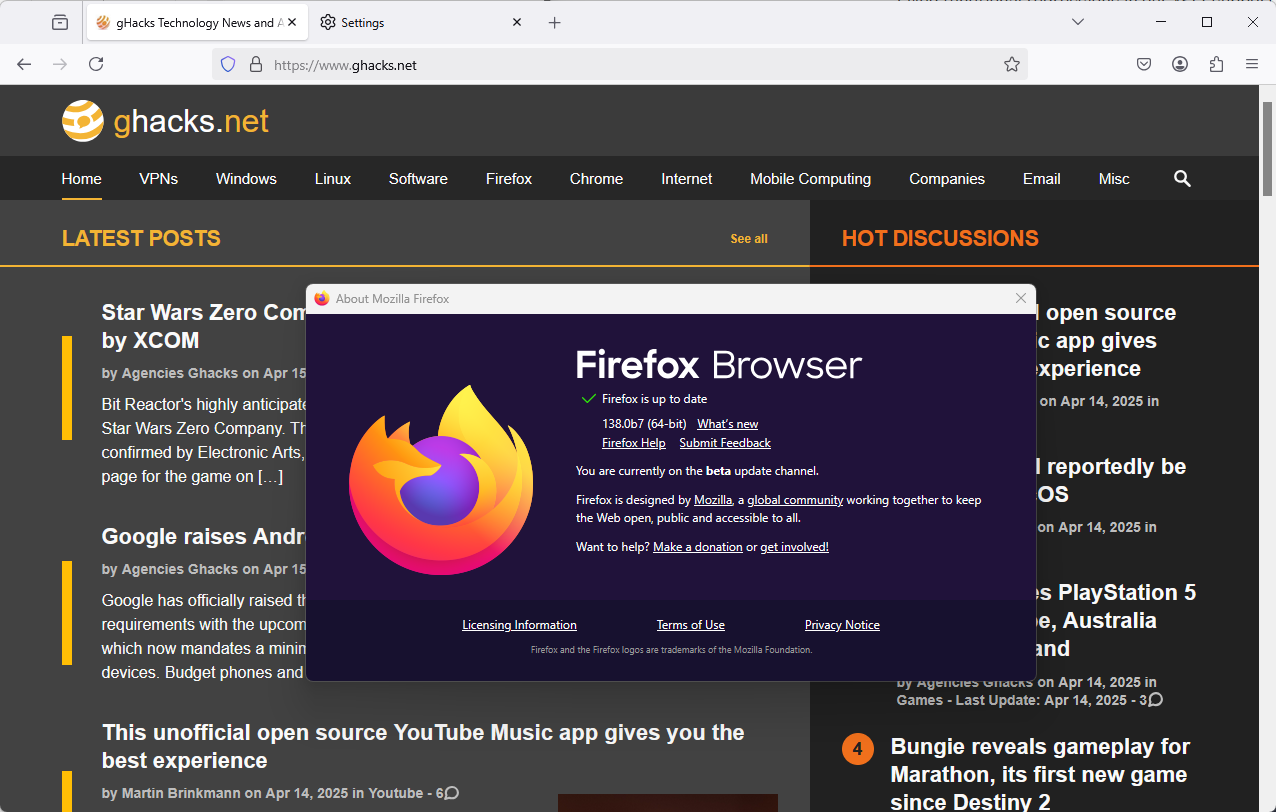
The new Firefox 137.0.2 update includes a security fix. Additional information is not provided until after the official release. We will update the article then to add the information.
Update: Mozilla lists a single security fix in the release, or better, a potential security issue. Mozilla's own team discovered a potential issue and plugged it before it could be discovered and exploited.
- CVE-2025-3608: Race condition in nsHttpTransaction could lead to memory corruption
Regarding non-security fixes in Firefox 137.0.2, there are several noteworthy ones.
DRM Playback and video woes
One of the main changes reverts support for Microsoft PlayReady hardware decryption DRM support in Firefox 137 to a specific list of supported sites. Mozilla started to roll out full support, but this caused video playback issues on some sites or crashes. Integrated support improves compatibility with certain DRM-features that streaming sites use.
Mozilla fixed a second video related issue in the release. Firefox would not respond to clicks in some HTML5 video players.
Update restart issue
Some Firefox users reported a restart issue to Mozilla recently. Firefox would prompt them for several restarts of the browser after the installation of a single update. The normal behavior is a single restart to finalize installation of the update.
Some users noticed that Firefox would only install the update if the browser was closed and then restarted. Mozilla corrects the issue in the release, but is still working on fixing the underlying change that caused it.
And the rest of the fixes
Here is the list of remaining fixes in the Firefox release:
- Firefox would not display the file picker on macOS in about:logins when users started to export passwords.
- Fixed several accessibility issues with the new PDF signature feature.
- Fixed an issue in the Style Editor that caused code to be added twice.
- Fixed a functional regression in XSLT supported introduced in Firefox 137.
- Fixed a tooltip flickering display issue on Windows when hovering.
- Fixed an issue with radio inputs.
Closing Words
Mozilla plans to release Firefox 137.0.2 today. Since it is a security update, it will be installed on most non-managed Firefox installations automatically. You can check for the update by selecting Firefox Menu > Help > About Firefox. This should download and install the update after it has been released by Mozilla.








Firefox on my MacBook Air runs fantastically..way better than in Windows and better than any browser I have tested so far.
When you consider the many combinations of hardware, software and various settings out there today, you can understand why there are software glitches from time to time. It is impossible for developers to test every combination. They must rely on feedback from users.
Re: the update restart issue. It was a major problem for me on my Dell PC (running Windows 10). I could not open FF 137.0 at all despite numerous tries. I could load FF in troubleshoot mode, but even after disabling all my extensions, I could still not load FF 137.0 normally. I wound up having to do a system restore on my PC which put me back to FF 136. Fortunately that worked fine.
When 137.01 became available. I first created a new restore point to enable me to restore a stable system if necessary, and then upgraded to 137.01. That solved the problem, and the 137.02 installation did not cause any new issues. Apparently Mozilla still does not fully understand what caused the problem in the first place, but at least they admit that it existed. My guess is that the bug may have been related to one of my fairly numerous system:config tweaks, but I was unwilling to start disabling them to test that hypothesis.
Good to know you recovered. I too am a tweaker. I am sure I will eventually put myself in the same sort of situation with at least one package :-o
That update restart issue was quite annoying. I didn’t even know it was a ‘bug’!
All who are not using IronFox on android and Mullvad Browser on desktop,I encourage you to please do so at this time. Thank you.
– Browser Management
p.s. Both get updated as soon as Firefox updates release
Firefox ESRs not affected by what appears to be specific to latest Firefox 137 releases (137.0, 137.0.1?), otherwise it would have been mentioned in the article, but then this comment becomes superfluous. Too late, it’s sent.
“Update restart issue”
Thought it was an issue with the portableapps version only